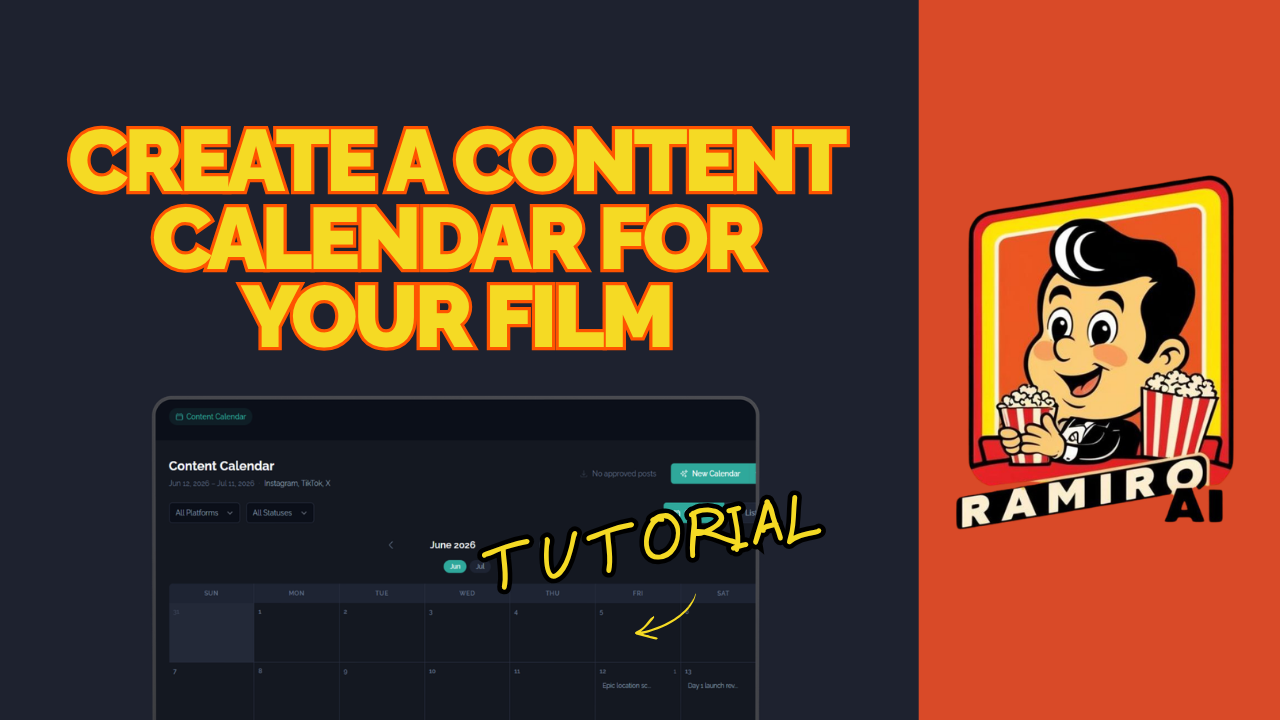
How to Create a Content Calendar for Your Film Using Ramiro AI
Consistent social media content is one of the most powerful ways to build an audience for your film. It's also one of the most time-consuming. Most filmmakers either burn out trying to keep up with it or skip it altogether because they don't know where to start.
Ramiro AI solves that. In this tutorial, we show you how to generate a complete 30-day content calendar for your film in under five minutes, using the "Rules of Living" project as our example.
What Is a Content Calendar and Why Does Your Film Need One?
A content calendar is a planned schedule of social media posts organized by date, platform, and topic. For a film, it's how you build awareness, connect with your audience, and keep your project visible between major milestones like festival announcements, trailer releases, and distribution news.
Without a content calendar, most filmmakers post sporadically when they remember to, with no clear strategy behind what they're sharing or who they're talking to. With one, every post has a purpose and your audience always has a reason to keep paying attention.
Step 1: Open Your Project and Start a Content Chat
From your dashboard, open your film project. Following the chat organization system from tutorial three, create a new chat dedicated to content. This keeps your content planning separate from your audience research and marketing strategy conversations.
Step 2: Give Ramiro AI the Prompt
This is where the time-saving happens. Give Ramiro AI a single prompt requesting a 30-day content calendar for your film across your chosen platforms. For "Rules of Living," we generated content for Instagram, Facebook, and LinkedIn.
That's it. Ramiro AI handles the rest.
The Four Content Pillars
Every post in the calendar falls into one of four content pillars. These pillars make sure your content is varied, purposeful, and balanced across the month:
Behind the Scenes — giving your audience a look into the making of the film, the people involved, and the story behind the story. This builds connection and authenticity.
Promotional — direct content about the film itself. Announcements, trailers, festival selections, release dates, and calls to action.
Educational — content that adds value beyond the film. For "Rules of Living," this might include topics related to Japanese culture, cross-cultural storytelling, or the filmmaking process. This type of content attracts new followers who may not have found you through the film itself.
Community — content that invites conversation, celebrates your audience, and builds a sense of belonging around the film. Questions, polls, reshares, and responses.
A healthy content calendar rotates across all four pillars so your feed never feels one-dimensional.
Step 3: Review and Approve Each Post
Ramiro AI generates the content but you stay in control. Before anything goes live, you review and approve each post. This is where you check for tone, cultural appropriateness, and relevance to your specific audience.
For a film like "Rules of Living," cultural sensitivity matters. The platform allows you to give specific feedback — words to avoid, tone preferences, cultural considerations — and Ramiro AI learns from that feedback to improve future suggestions.
One important note: do not post AI-generated images directly to social media. Use the captions, concepts, and copy that Ramiro AI generates, but pair them with your own photography, stills, and behind-the-scenes footage. Posting AI-generated images can trigger restrictions on your accounts.
Step 4: Customize Your Content
Once you've reviewed a post, you can edit the caption, adjust or add hashtags, change the visual concept brief, and set the posting time. Ramiro AI suggests optimal posting times for each platform, but you can customize these to fit your schedule.
Emoji integration and hashtag management are built in, making it easy to fine-tune each post before it goes live.
Step 5: Schedule Your Posts
Once a post is approved and customized, schedule it directly to Instagram, Facebook, or LinkedIn from inside the platform. More social media integrations are coming in the future.
If you prefer to manage your own scheduling, you can also copy and paste the content directly into your social media tool of choice or post manually.
Train Ramiro AI Over Time
The more feedback you give, the better the content gets. If a particular post format works well, tell Ramiro AI. If certain language doesn't fit your film's tone, flag it. The platform learns from your input and applies it to future content suggestions, so the calendar improves with every cycle.
A Full Month of Content in Under Five Minutes
That's the reality of what this feature makes possible. Thirty days of planned, structured, platform-specific content for your film, generated from a single prompt, reviewed and approved on your own timeline, and scheduled directly from the platform.
For independent filmmakers working without a full marketing team, this is the difference between having a content strategy and not having one at all.
Ready to build your film's content calendar?
Log in at ramiro.ai, open your project, and start with a single prompt. If you haven't identified your audience yet, go back to tutorial five first — your content will be much stronger when it's built on a clear audience profile.
Have questions? Reach us at hello@ramiro.ai or through the support system inside the platform.