
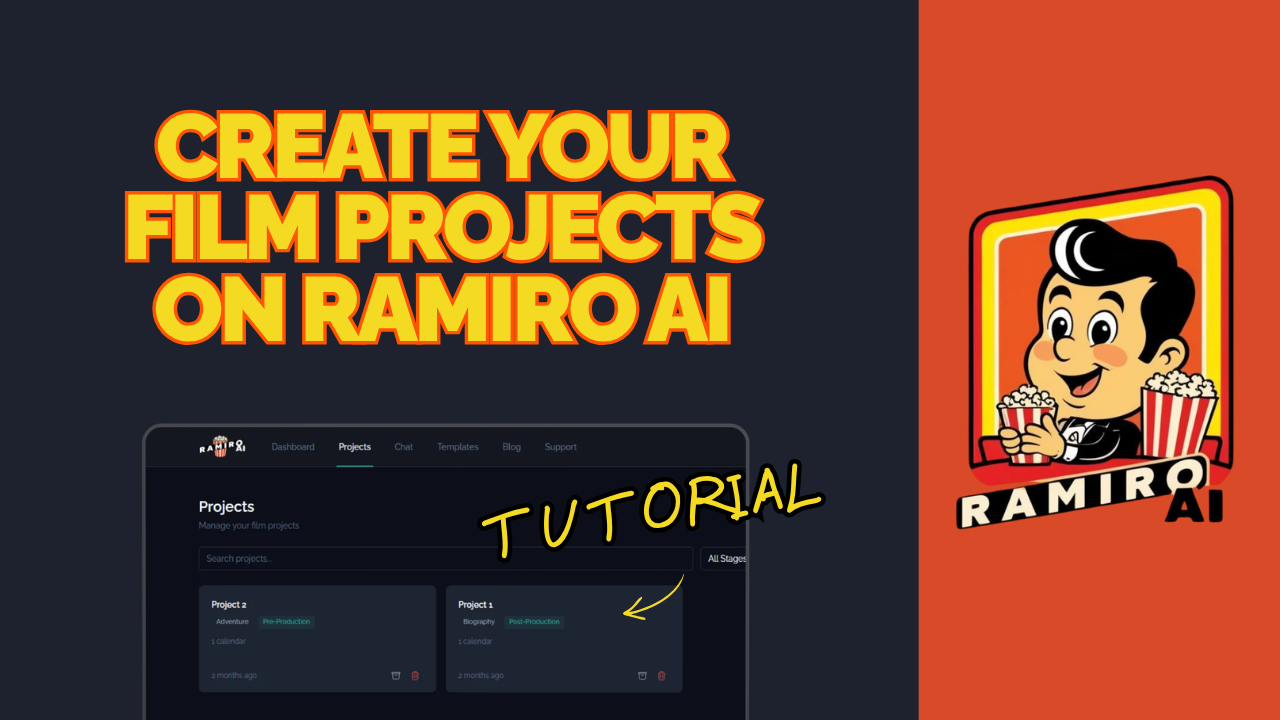
How to Create Your First Project on Ramiro AI
One of the first things you'll want to do after logging into Ramiro AI is create a project for your film. Projects are how the platform keeps everything organized — your conversations, strategy, and film details all live in one dedicated space.
In this tutorial, Rosa walks you through the full setup process using a real film as an example: "Rules of Living," a Japanese cross-cultural dramedy.
Step 1: Go to the Projects Section
From your dashboard, navigate to the Projects section. This is where all your films will live. If you're working on more than one project at a time, each film gets its own dedicated space so nothing bleeds into something else.
Step 2: Select New Project
Click "New Project" to start the setup process. Ramiro AI will prompt you to begin adding your film's details.
Step 3: Name Your Project
Give your project the name of your film. In this tutorial, Rosa uses "Rules of Living" as the example. Keep it simple and consistent with how you refer to the film internally — this is for your own navigation.
Step 4: Add Your Film's Details
This is where Ramiro AI starts getting useful. Add your film's synopsis and description. The more detail you provide here, the better Ramiro AI can tailor its guidance to your specific film — its genre, tone, audience, and positioning.
For "Rules of Living," Rosa describes it as a Japanese cross-cultural dramedy, which immediately gives Ramiro AI the context it needs to provide relevant marketing and distribution recommendations.
Step 5: Confirm and Save
Once you've filled in your details, confirm the project. It's now live in your dashboard and ready to work with.
That's it. Your first project is created.
Why Projects Matter
Every film is different. A horror short heading to festivals needs a completely different strategy than a feature documentary going straight to self-distribution. Projects make sure your strategy stays specific to each film, not generic across all of them.
As you use Ramiro AI, all your conversations and work within that project stay connected to that film. It keeps your thinking focused and your strategy coherent from the first chat to release day.
Ready to create your first project?
Log in at ramiro.ai and give your film its own space. If you haven't signed up yet, start your free trial today.
Have questions? Reach us through the support system inside the platform.