
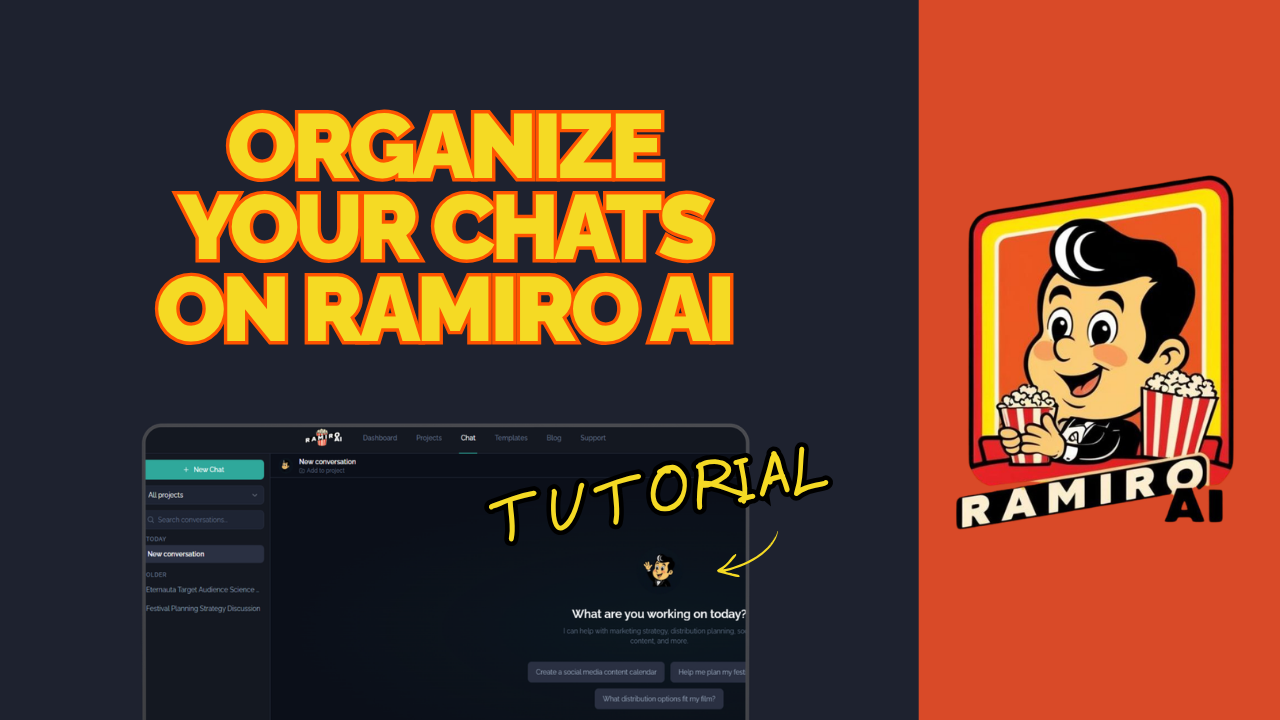
How to Organize Your Chats Inside Ramiro AI
When you're working on a film, there's a lot to think about. Your audience, your marketing plan, your distribution strategy — these are three very different conversations that require very different thinking. Mixing them all into one place is a recipe for confusion.
That's why Ramiro AI lets you create multiple chats within a single project, each one dedicated to a specific topic. In this tutorial, Rosa demonstrates how to set this up using the "Rules of Living" project.
Why Organize Your Chats?
Before we get into the steps, here's why this matters.
Every film project has multiple moving parts. If you're having one long conversation that jumps between audience research, marketing ideas, and distribution options, it becomes very hard to track your thinking or pick up where you left off. Separate chats keep each topic focused and clean.
This is especially useful if you're working on more than one film at a time. With dedicated chats per topic per project, nothing bleeds across films, and everything stays exactly where you left it.
Step 1: Open Your Project
From your dashboard, navigate to the project you want to work on. In this tutorial, Rosa opens "Rules of Living." This is the film project she created in the previous tutorial.
Step 2: Create a New Chat
Inside the project, create a new chat. Ramiro AI will prompt you to name it. This is where the organization starts — be specific with your naming from the beginning.
Step 3: Name Your Chats by Topic
Rosa creates three separate chats for the "Rules of Living" project:
- Audience — for researching and defining who this film is for
- Marketing — for building out the marketing strategy
- Distribution — for planning how and where the film will be released
These three topics will come up again and again throughout your campaign. Keeping them in separate chats means each conversation stays focused and purposeful.
Step 4: Navigate Between Your Chats
Once your chats are created, you can access them at any time through the project dashboard and conversations section. Everything is stored in one place, organized by project, and easy to find.
If you're managing multiple films, each project has its own set of chats — completely separate from your other projects. No crossover, no confusion.
Step 5: Customize as You Go
You're not locked into any specific structure. Rosa's audience, marketing, and distribution setup is a strong starting point, but you can create as many chats as your project needs and name them however makes sense to you. The system is flexible and built to match the way you actually work.
A Simple System That Makes a Big Difference
The filmmakers who get the most out of Ramiro AI are the ones who treat it like a real working tool, not just a place to ask occasional questions. Organized chats are a big part of that. When your conversations are structured, your strategy builds on itself instead of starting from scratch every time you log in.
Ready to organize your project?
Log in at ramiro.ai, open your film project, and start building your chat structure. If you haven't created a project yet, check out the previous tutorial first.
Have questions? Reach out to us through the support system inside the platform.